Admin System
Overview
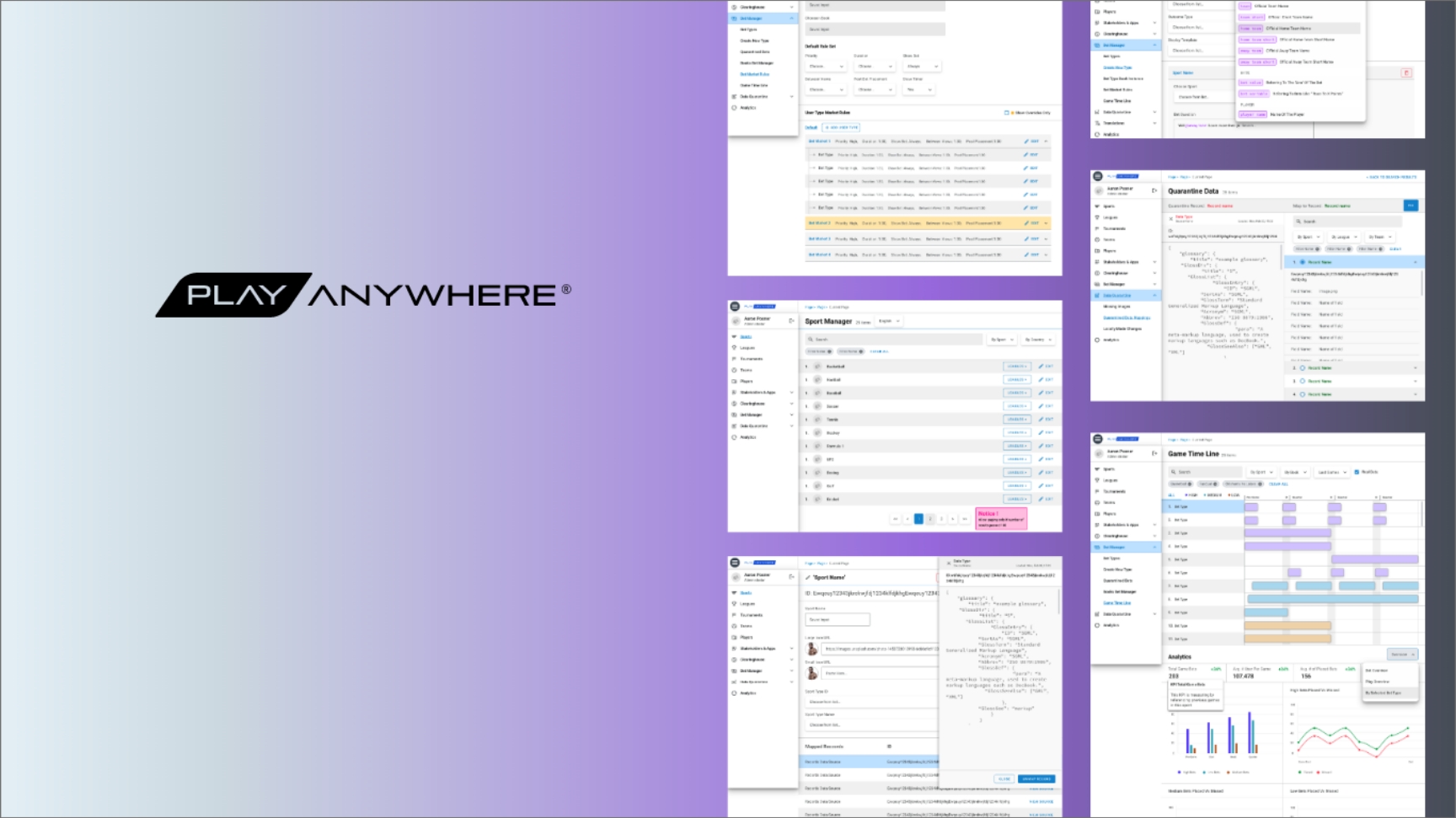
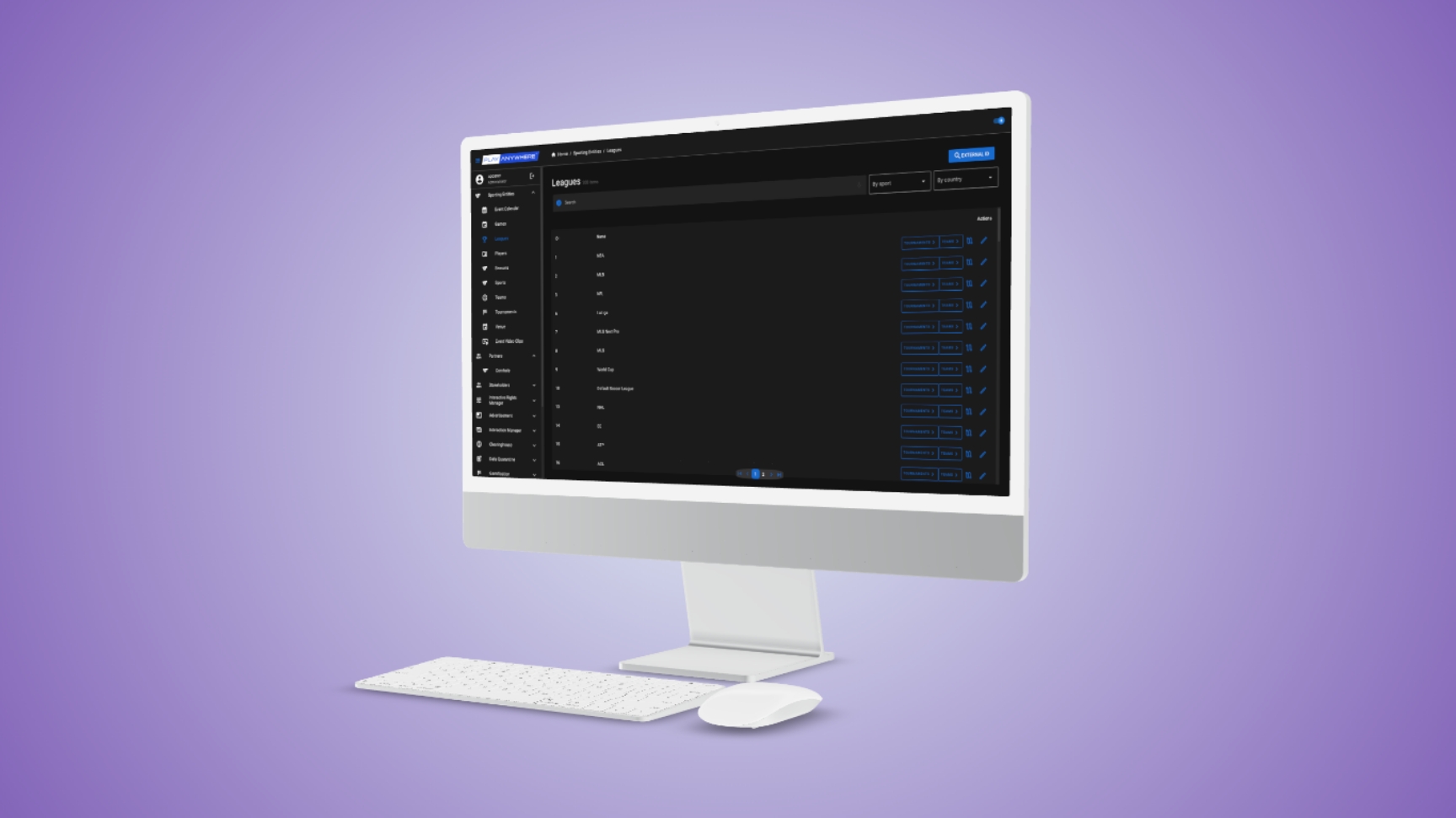
The Admin System was an internal product built for our company's product managers and development leads — designed to provide a simple, intuitive way to manage the massive database behind Play Anywhere.
From editing player and league data to fixing inconsistencies coming from external data feeds, the system became the backbone of Play Anywhere's live ecosystem.
I served as the lead product designer, working on it a few months before the official Play Anywhere platform entered production.
My Role:
Product Design Lead, User Research
The Challenge
Unlike typical admin dashboards that manage pre-defined data structures, we were designing for a dynamic, evolving ecosystem.
At that stage, the Play Anywhere data model was still being defined.Our challenge was to create an interface flexible enough to:
• adapt to new data types and hierarchies,
• handle real-time changes, and
• scale alongside the official product — without needing a complete redesign.
By understanding the user needs of the front-facing product, I was able to propose a design architecture that anticipated many of the database and usability issues before they appeared.
The Context
While conducting early-stage research and design for the main Play Anywhere platform, we quickly realized we'd need a dedicated administrative system to manage its expanding database.
The Admin System was born directly out of that research. Every time we defined a new feature or data requirement for the main app, we mapped its administrative implications — how it would need to be created, updated, or monitored on the backend.
This led to a parallel process of discovery → conceptual iteration → internal user testing with the intended users: our company's internal product and development teams.
Key UX Decisions & Design Solutions
1. Defining the Right Data Architecture
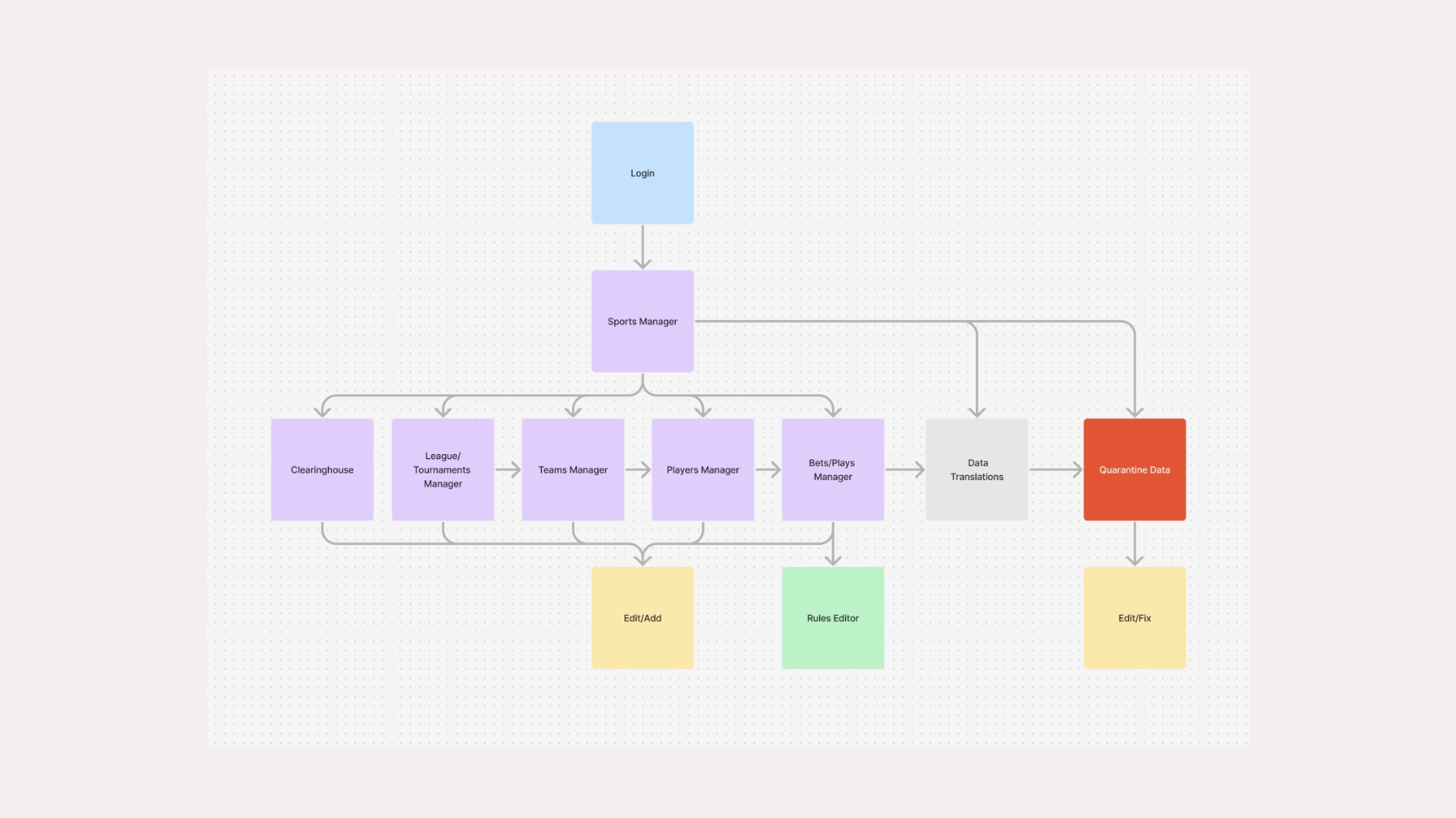
Since the Play Anywhere platform was being developed around major sports experiences, we identified a universal hierarchy across most leagues and sports: League / Tournament → Teams → Players
This became our core relational model. We then expanded it to include additional data types like betting parameters, odds management, and event data — all mapped directly to this hierarchy.
2. Data Quarantine System
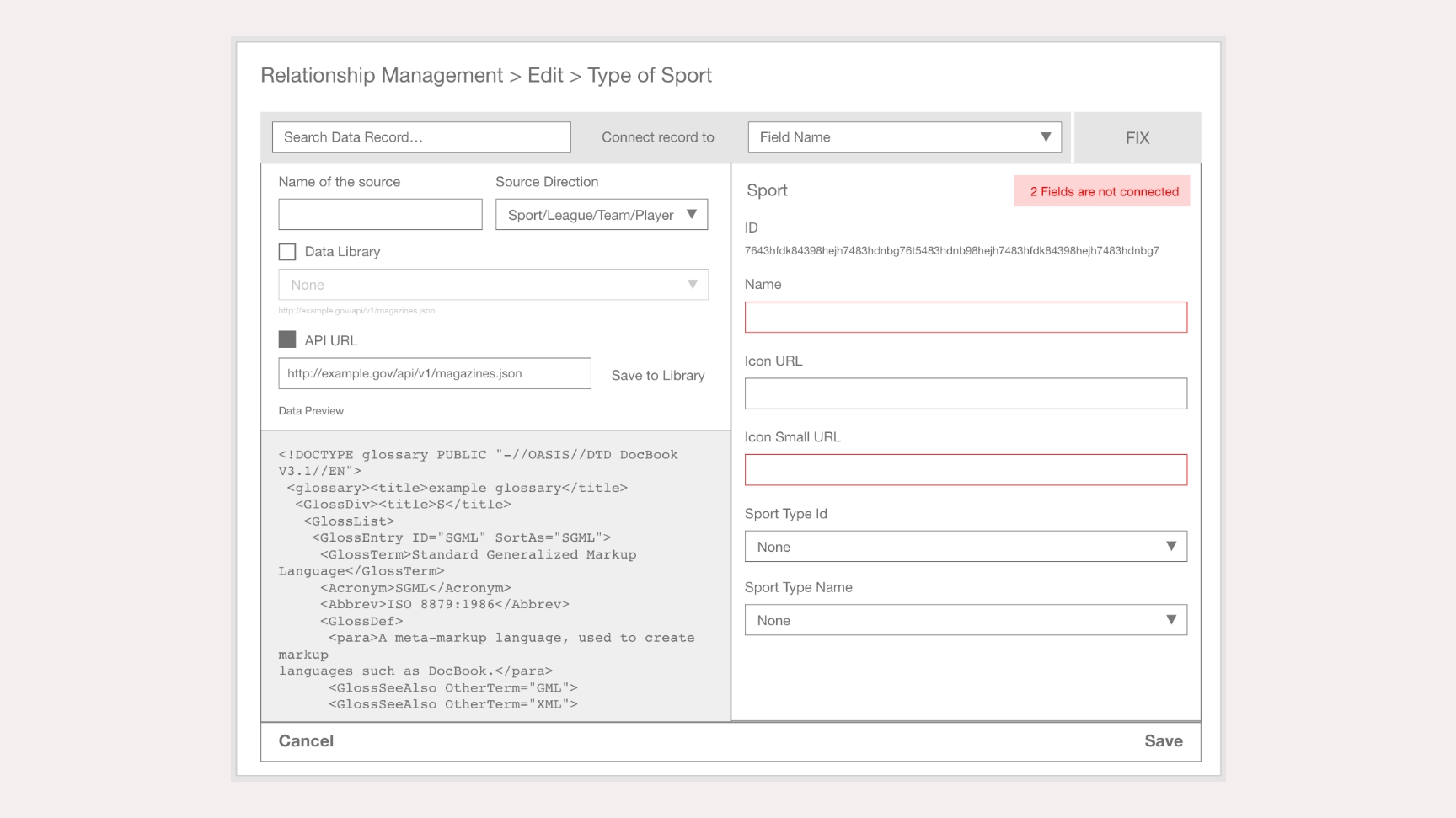
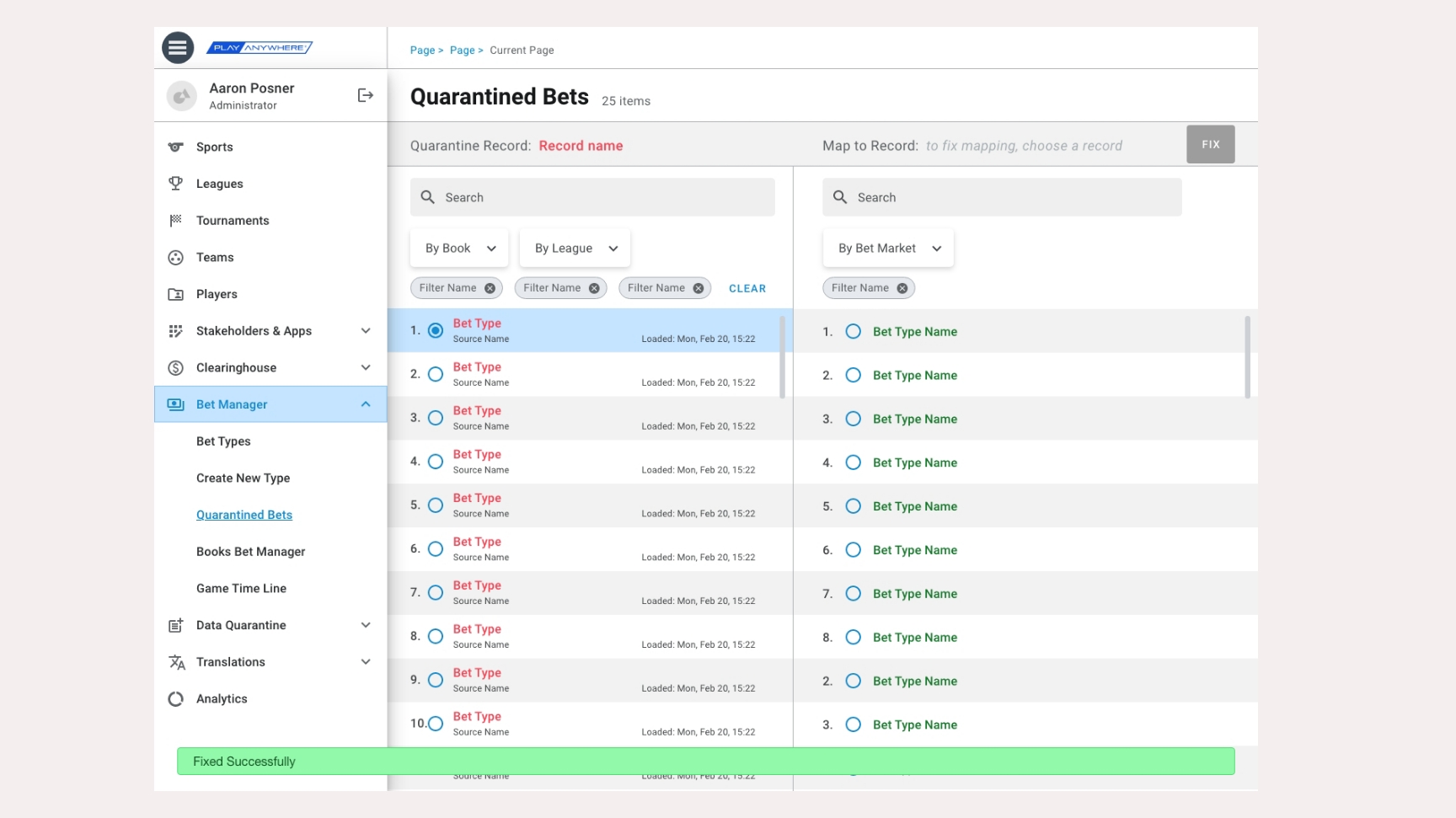
Because much of our data came from third-party feeds, mismatches frequently occurred — for example, when a new player name didn't align with our existing schema.
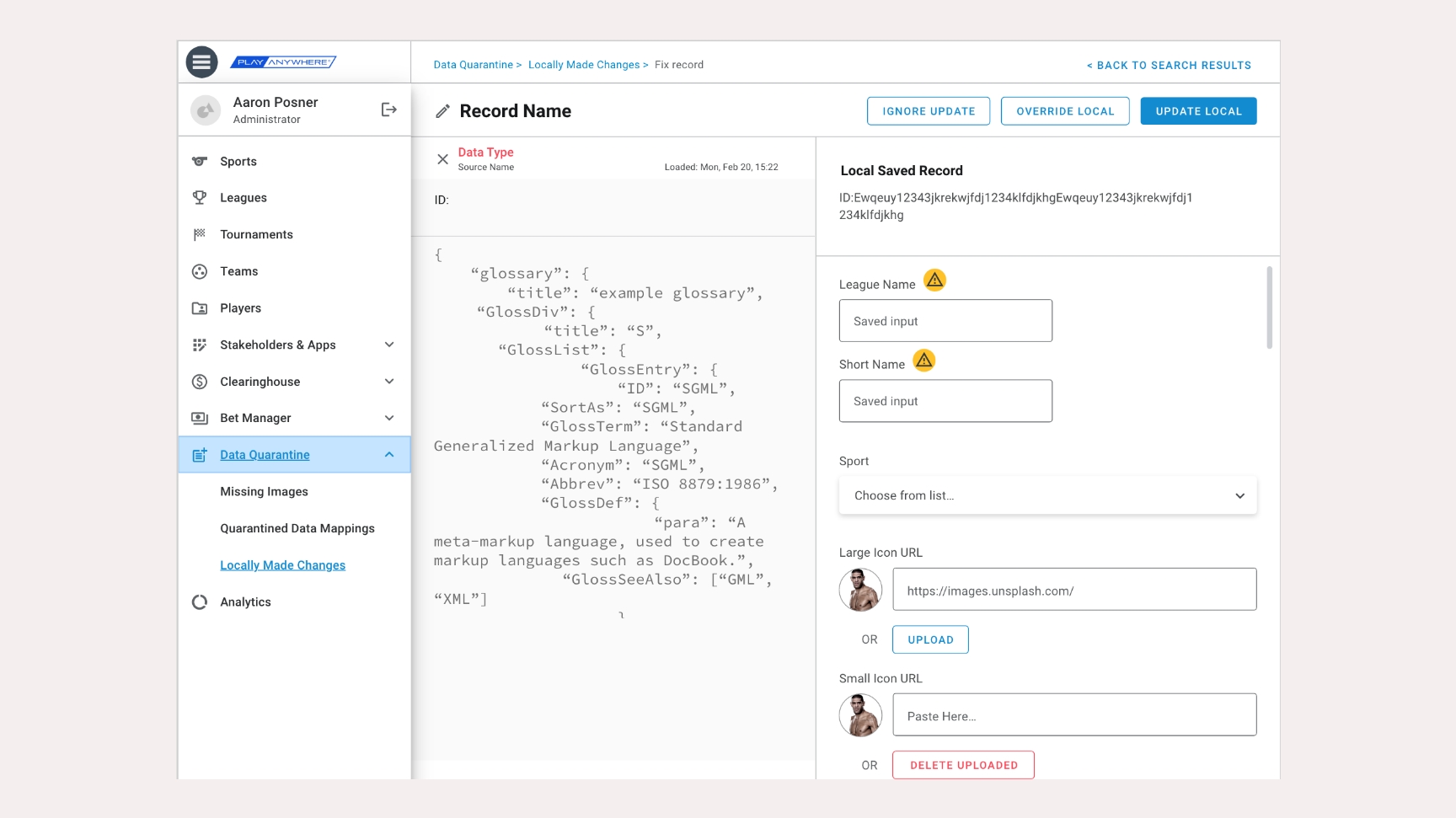
To solve this, we designed a "Data Quarantine" feature: Every incoming data item that didn't map correctly was automatically isolated and flagged. Admins could then open the Quarantine view, manually match the incorrect record to the correct schema, and revalidate it.
This not only prevented corruption in the database but also gave data managers full control and visibility into the system's integrity.
3. Manual Record Creation & Editing
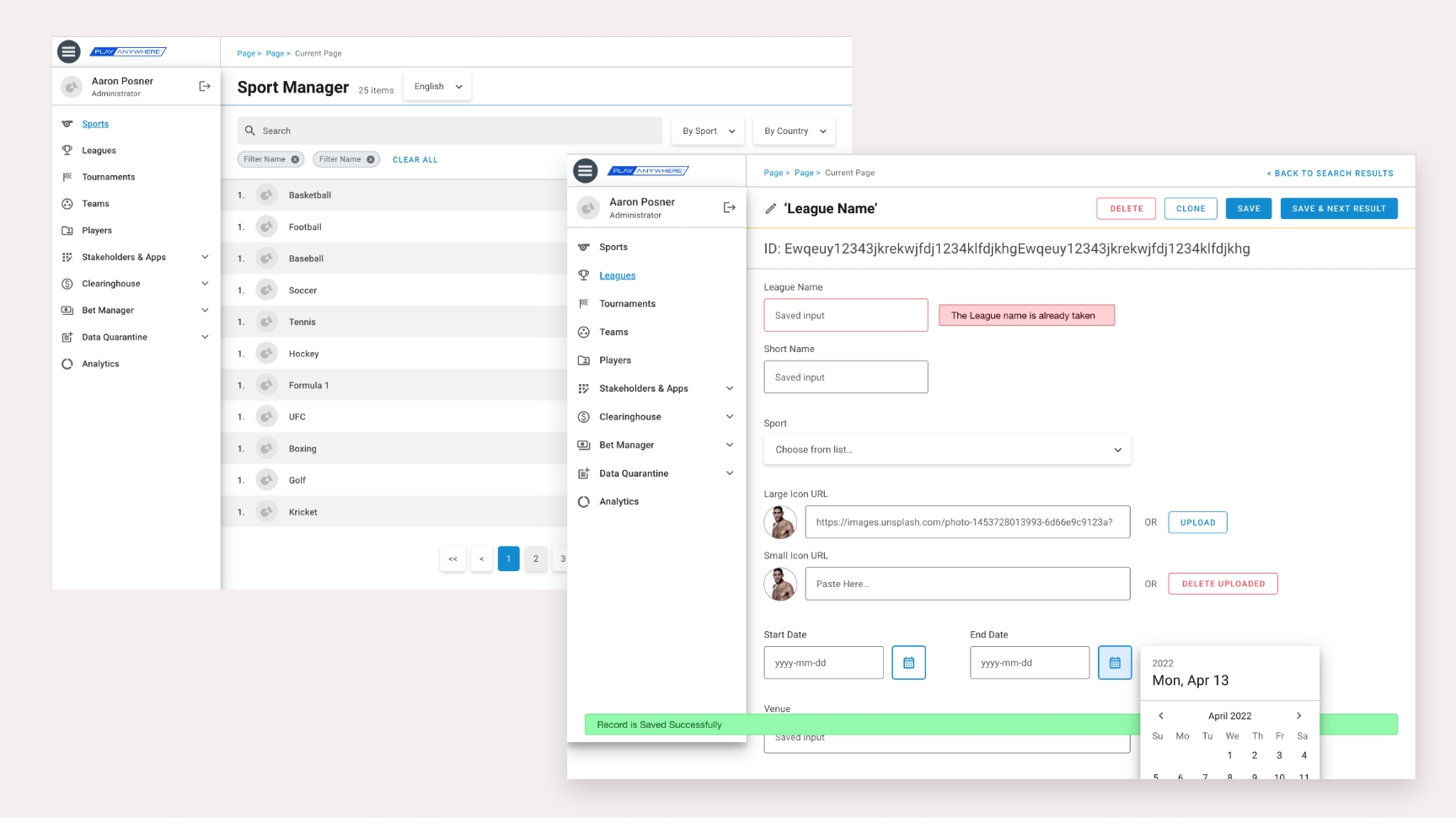
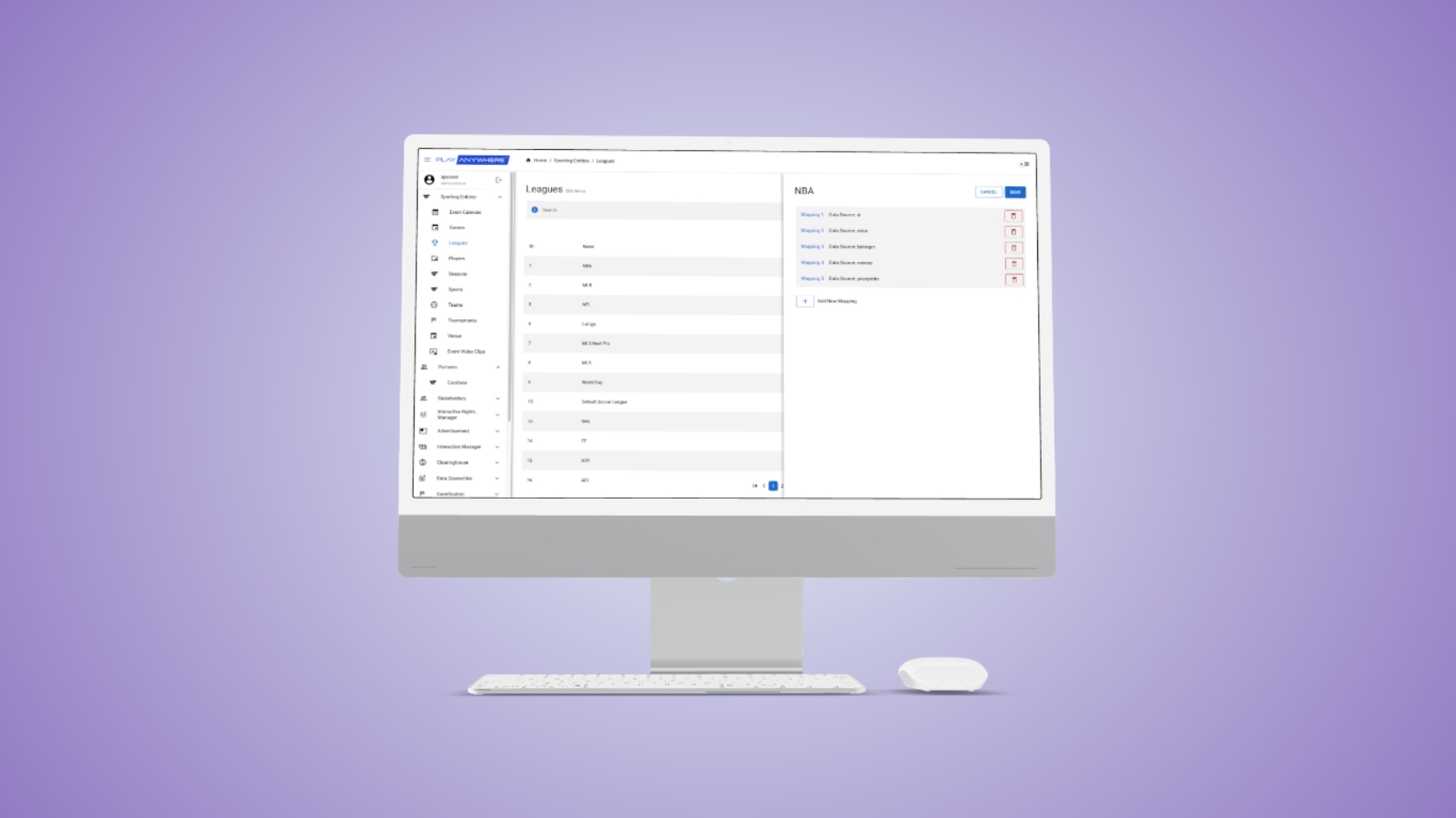
We designed an intuitive flow for adding and editing records manually — whether a new team, player, or match needed to be created. Each hierarchical level had its own form, pre-populated with logical defaults to reduce data entry errors.
Admins could also make manual corrections and trigger syncs with external data sources in real time — all from within the same streamlined interface.
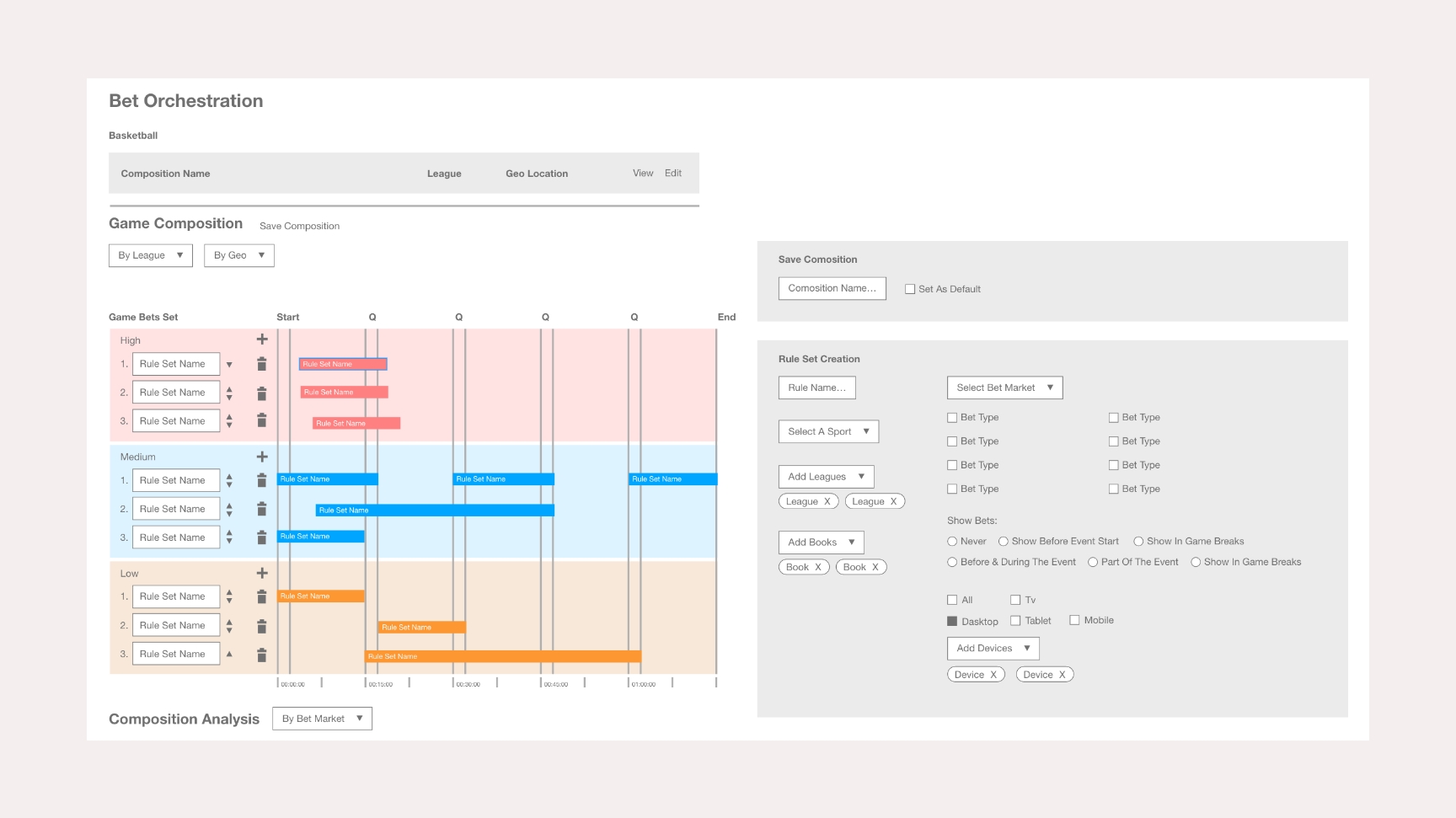
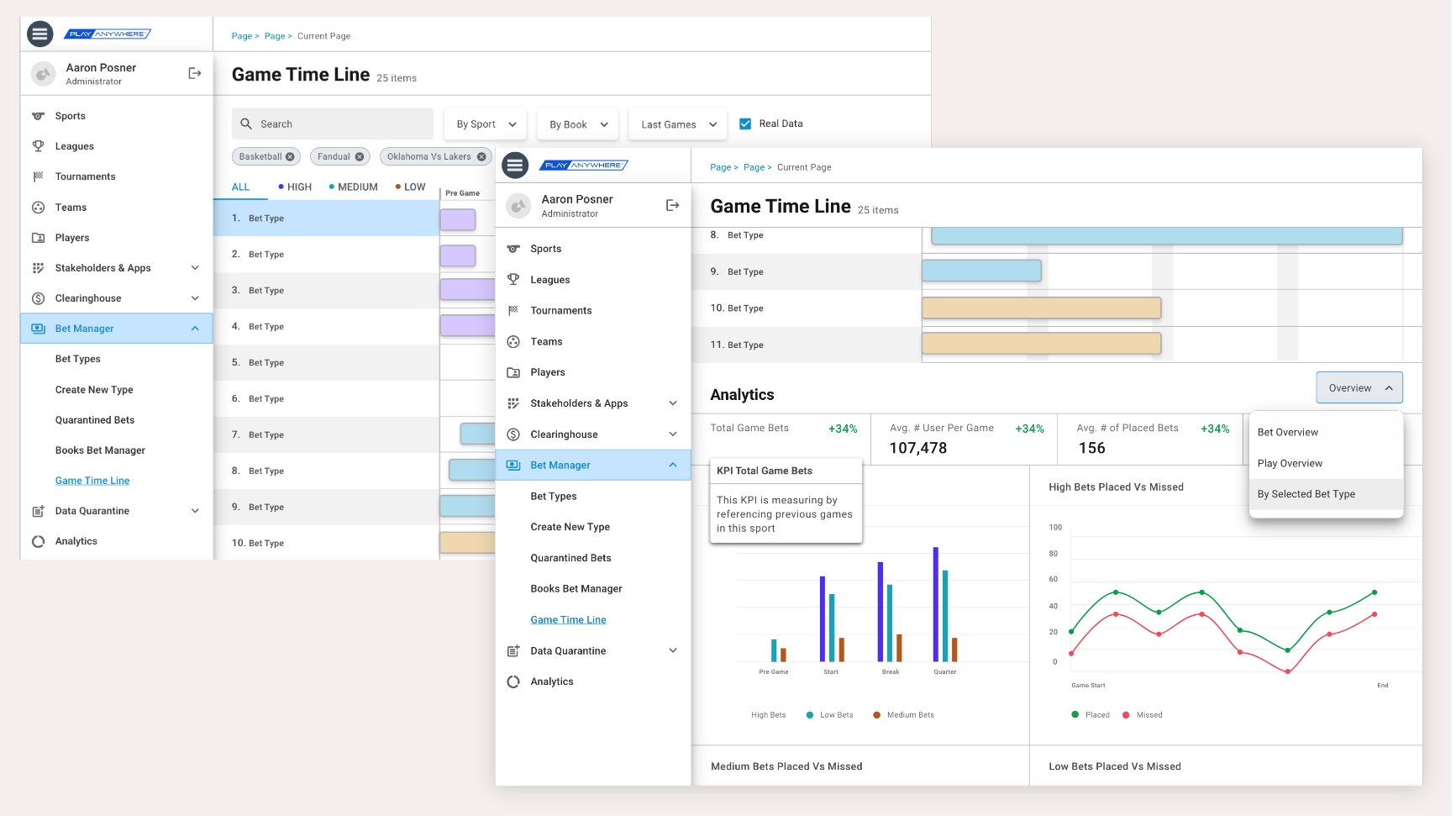
4. Match Calendar & Timeline Builder
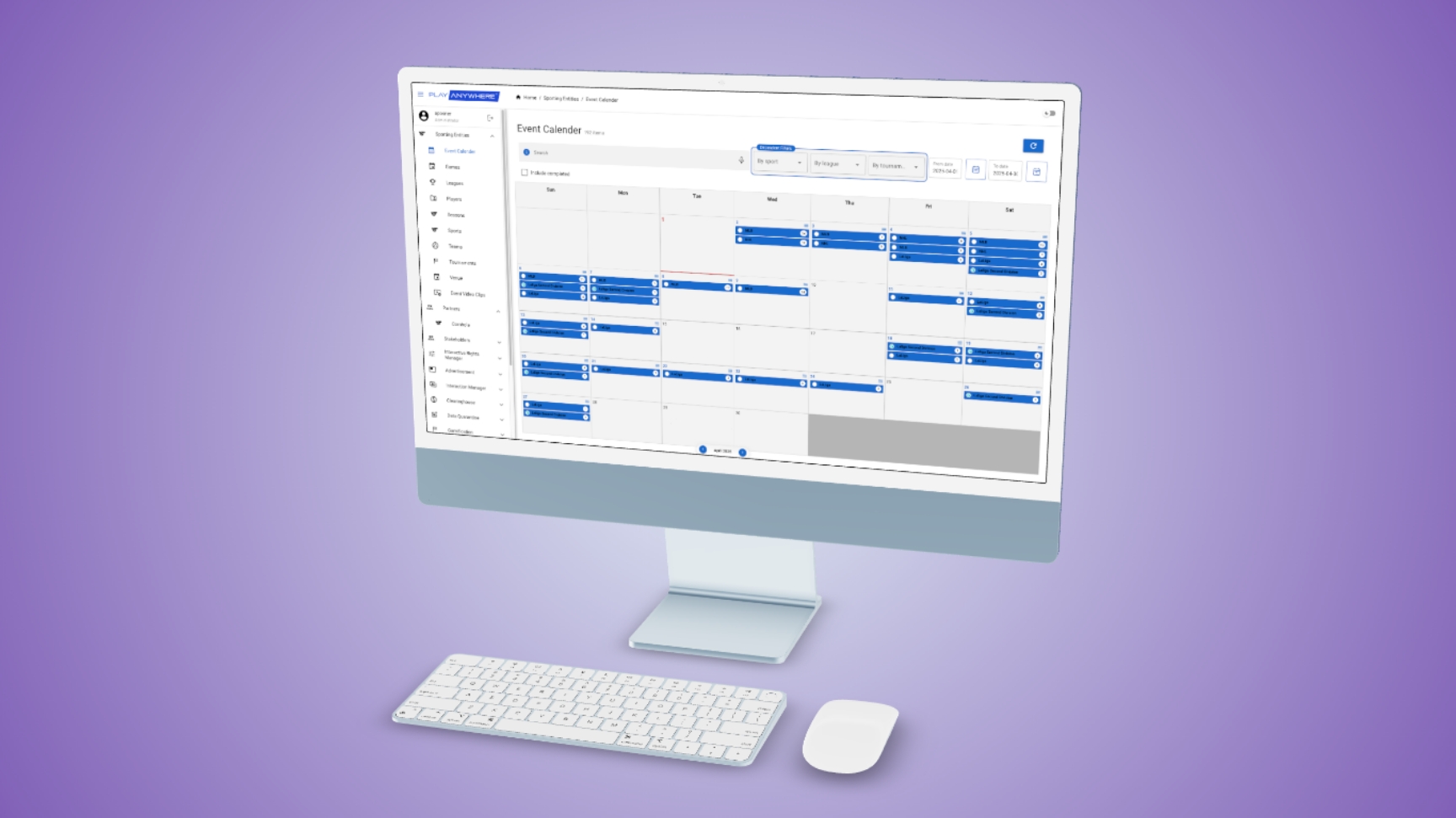
Two key features requested by internal users were:
• a league-wide calendar showing all upcoming matches, and
• a timeline editor for defining event triggers within each match.
The timeline editor allowed product managers to define precise event points (down to the second), specifying what type of message or notification to trigger and when — based on the sport's rhythm, pauses, and structure.
This ensured that during live broadcasts, fan engagement bets or messages appeared at emotionally relevant moments — enhancing rather than disrupting the viewing experience.
Design Process
The design evolved through short, iterative cycles:
• Discovery: identifying operational pain points with internal users.
• Conceptual design: prototyping flexible data models and layouts.
• Validation: testing prototypes directly with dev leads and data managers.
Each iteration improved usability and clarity — replacing complex database operations with clear, human-readable interactions.
Impact
The Admin System became the central operational hub for managing Play Anywhere's expanding data universe.
It allowed our internal teams to:
• onboard new leagues and sports in hours,
• maintain consistent data integrity, and
• respond instantly to live game updates without developer intervention.
For me, this project was an opportunity to design for internal users — transforming a purely technical challenge into a human-centered product that empowered teams to work faster, smarter, and with fewer errors.